
Every now and then, I get a curious question from a client: “Do you edit every single photo?” And the honest answer is… it’s complicated. So let’s pull back the curtain.
Step One: The Cull
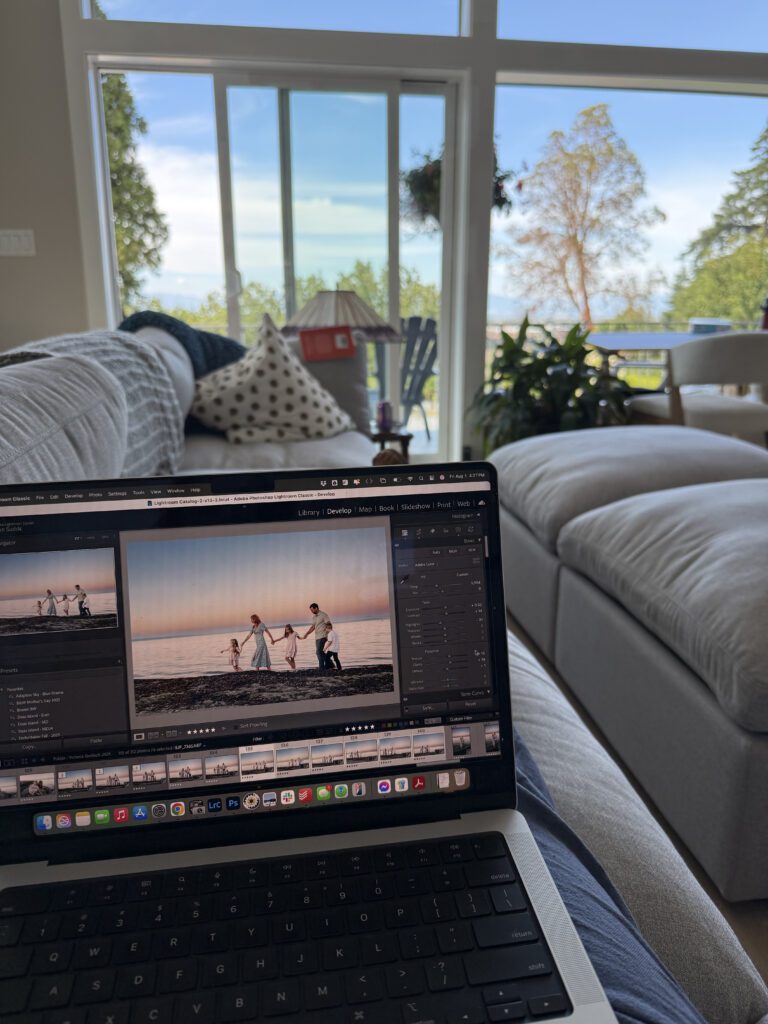
Every session starts with a cull – going through every single frame and picking the ones that actually make it to your gallery. I’ll admit it: I tried handing this part off to AI. On paper it made sense – save time, let a program do the sorting.
In practice? I ended up re-culling the AI’s cull. Which took longer than just doing it myself in the first place. The problem was consistent: AI kept tossing some of my favourite candid moments because someone’s eyes were half-closed mid-laugh, or the focus was a hair soft on a shot that had all the feeling in the world. Technically “imperfect,” emotionally perfect. That’s exactly the kind of photo I refuse to lose, and it’s exactly the kind of photo an algorithm doesn’t know how to value. So the cull is still all me.
Step Two: AI-Assisted Editing
Once the cull is done, AI does step in – but on my terms. I use an editing program that studied my catalogue of over 20,000 photos to build a profile based specifically on my editing style. It’s not a generic filter; it’s trained on years of my own choices. This is where AI genuinely earns its keep: it gives me a strong, consistent starting point across an entire gallery, so your photos feel cohesive from the first frame to the last.
Step Three: Hand-Editing the Details
From there, I go through and hand-edit anything that still needs attention – straightening a crop angle, cleaning up a distracting background element, fine-tuning exposure or white balance on a shot that needs a little more love. This is the step that keeps a gallery from feeling automated. AI gets me most of the way there; I make sure it’s right.
So yes, AI has absolutely streamlined my process. But I’m still deeply hands-on in every gallery, making sure the final product looks and feels like me – not like a preset.
Headshots Are a Different Process Entirely
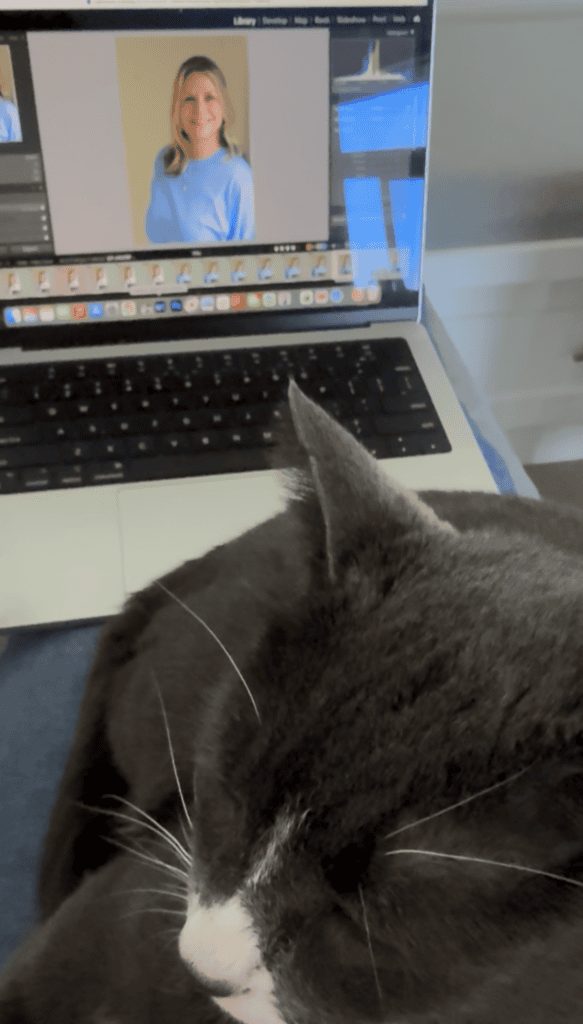
Headshot editing works differently, start to finish.
For headshots, I cull and crop – but I don’t edit before sending you your preview gallery. You choose your favourites first, and I only edit the images you’ve selected. That means no time spent polishing photos you’re never going to use.
And headshot editing is done entirely by hand. No AI, no exceptions. This includes:
- Removing blemishes
- Whitening teeth
- Smoothing stray or frizzy hairs
- Softening skin naturally
- Lightening under-eye shadows
- Colour correction
- Exposure adjustment
Headshots are often used for years, on your website, your LinkedIn, your business cards — they deserve that level of individual attention.
The Bottom Line
AI is a tool in my process, not a replacement for it. It helps me work efficiently and keep my portfolio consistent, but the choices that actually matter – which moments to keep, which edits serve the photo, what makes a gallery feel like you – those are still mine. Every gallery gets my eyes on it, every time.
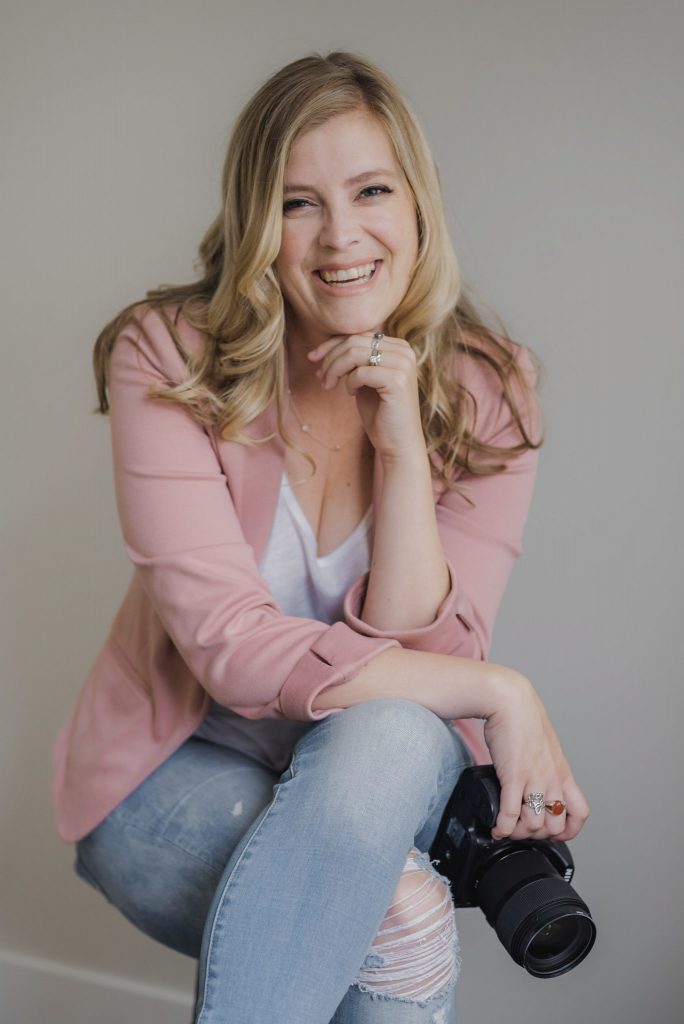
Eran Sudds is a Tsawwassen photographer who specializes in fun & natural sessions for you and your entire family. She is available for maternity, newborn, family portraits and headshots at locations in South Delta, or anywhere in the Lower Mainland. Contact her to book your session!